
Automatically export receipts and invoices to Google Sheets
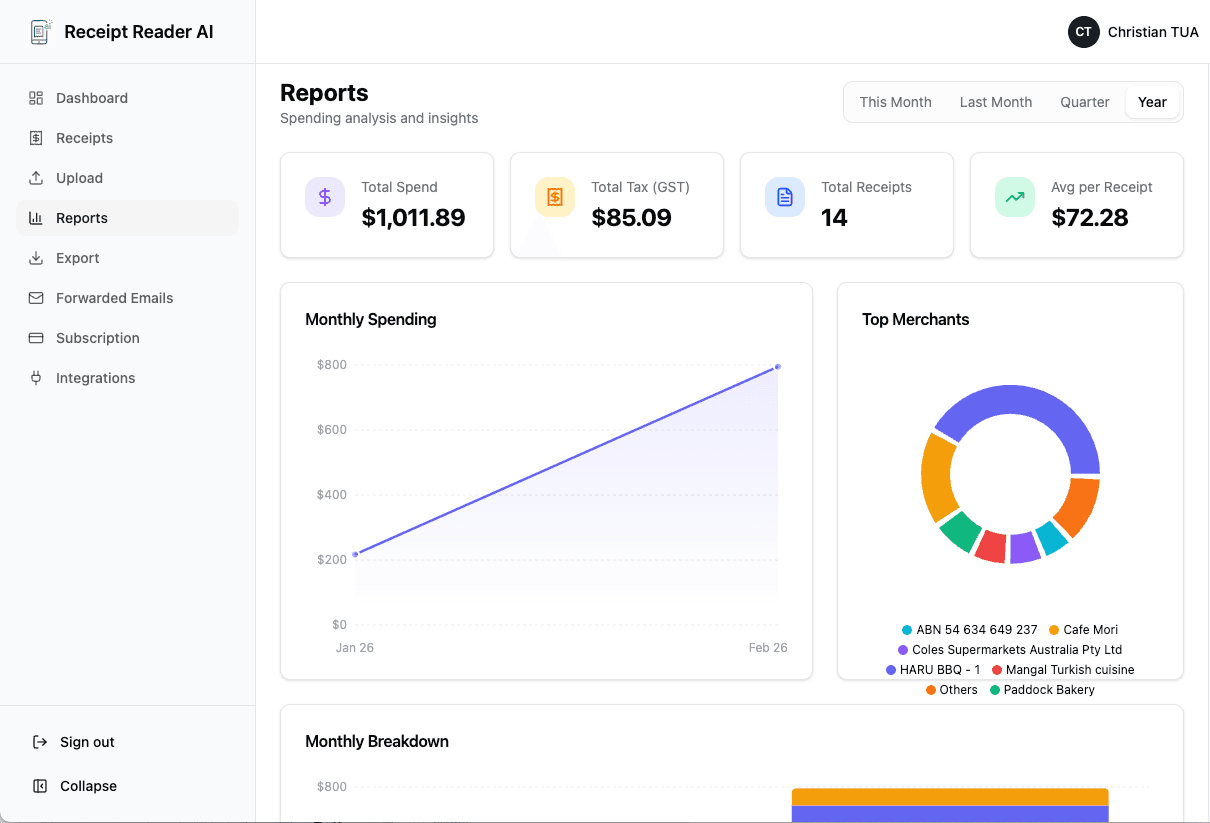
If your business runs on spreadsheets, don't waste time on manual entry. Receipt Reader AI extracts receipt and invoice fields and exports them to Google Sheets in a clean, consistent format.
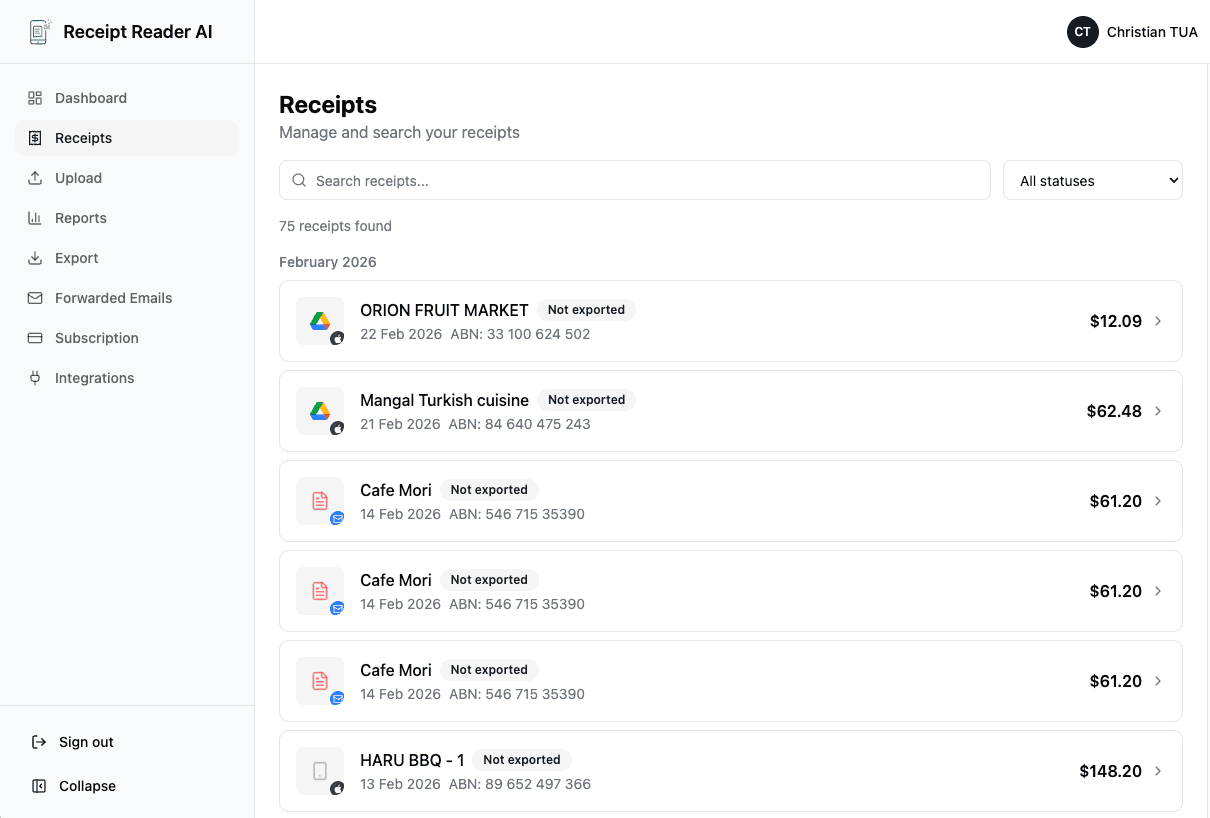
Example Sheet Columns
Clean, consistent columns for every receipt.
| Date | Vendor | Category | Subtotal | Tax / GST | Total | Payment Method | Notes / Project / Client | Source (upload / email) | Attachment Link |
|---|---|---|---|---|---|---|---|---|---|
| 14 Aug 2026 | Bunnings Warehouse | Materials | 80.00 | 8.00 | 88.00 | Visa 4242 | Site fit-out | View receipt |
Best Uses
How teams use Receipt Reader AI with Google Sheets.
Weekly Expense Reporting
Generate clean weekly expense reports with minimal effort.
Client Cost Tracking
Track expenses per client or project for accurate billing.
Budgeting & Forecasting
Use structured receipt data to build better budgets.
Share with Accountants
Share a live Google Sheet with your bookkeeper or accountant.
Frequently Asked Questions
Common questions about exporting to Google Sheets.
Can it export automatically?
Yes! Set up automatic exports so receipts appear in your Google Sheet without manual downloads.
Can I customize columns?
Yes, choose which fields to export and customize column order to match your workflow.
Can multiple users contribute receipts?
Yes, multiple team members can scan and forward receipts that all export to the same sheet.
Can I include a link to the original receipt?
Yes, each row can include a link to the original receipt image or PDF for audit purposes.
Can I separate receipts by project?
Yes, categorize receipts by project or client and filter them in your Google Sheet.
Make your spreadsheet the source of truth — without typing
Scan your first receipt and see it in Google Sheets in seconds.
Get StartedNo credit card required. 14-day free trial.