
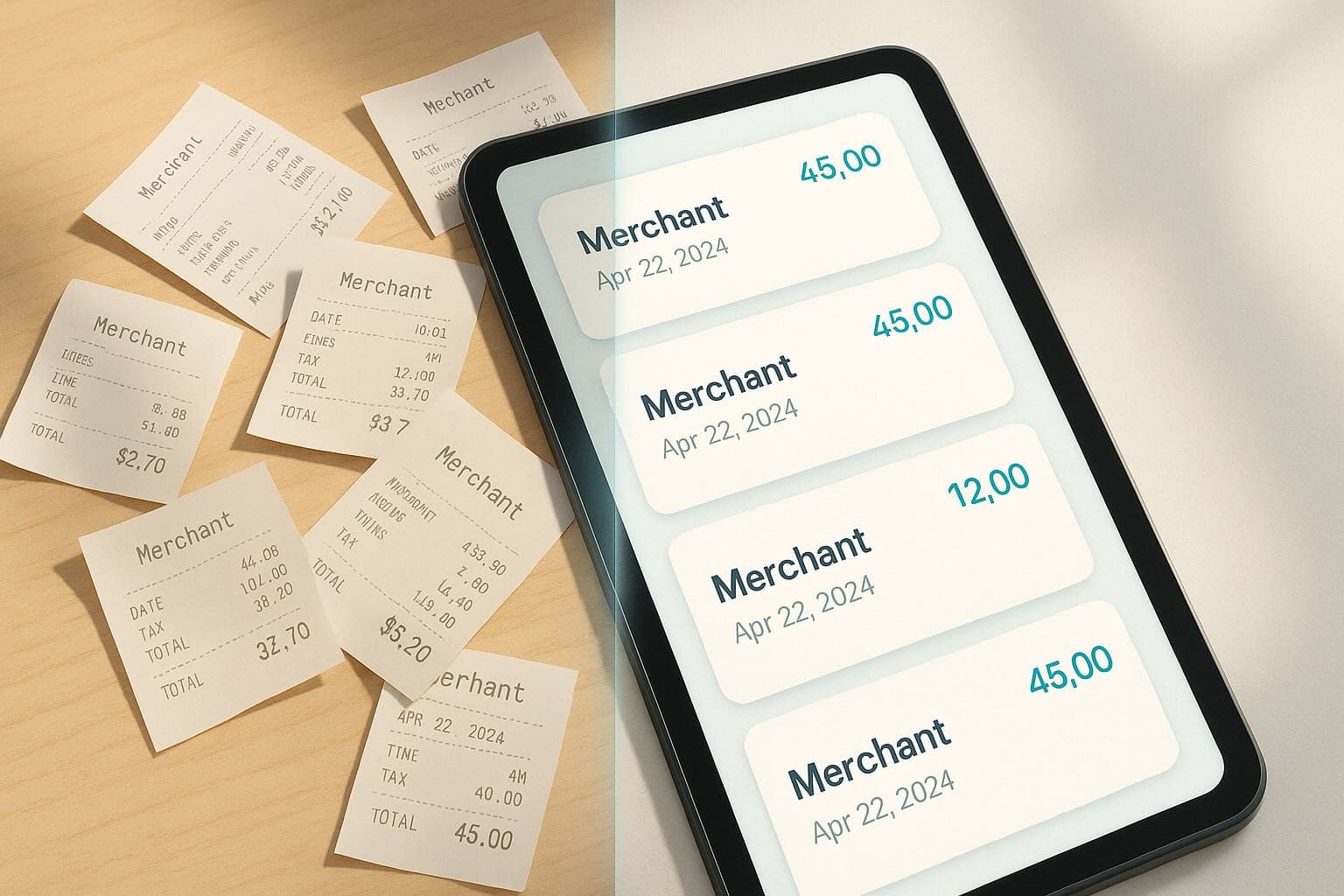
If you've decided to go paperless, the next question is how to do it well. Good digitization keeps your audit trail intact and your accounting flow smooth. Here are field‑tested practices we recommend to every team adopting Receipt Reader AI.
1) Capture at the source
Make capture the default behavior. Snap the receipt immediately after purchase or forward the email invoice the moment it arrives. The sooner you capture, the fewer documents go missing—and the cleaner your timelines.
2) Optimize the image
Avoid blurry photos, strong shadows and curved paper. Lay the receipt flat with good lighting. Our app de‑skews and enhances automatically, but garbage in still means garbage out.
3) Separate personal and business
Use multi‑account profiles to keep business and personal spends distinct. It prevents category pollution and simplifies exports for your bookkeeper.
4) Teach your categories
Start with a compact category list and merge near‑duplicates. Correct categories a few times and Receipt Reader AI will learn your preferences for recurring merchants.
5) Review exceptions weekly
AI flags inconsistencies—totals that don't add up, missing tax fields, ambiguous dates. A quick weekly review keeps your dataset pristine and prevents end‑of‑month surprises.
6) Export on a cadence
Decide your rhythm (weekly, bi‑weekly, monthly). Export PDFs for approval and CSV/IIF for accounting systems. Consistency beats heroics.
7) Keep the originals
Always store the original image/PDF alongside the structured data. It provides defensible evidence for audits and tax recovery. Receipt Reader AI attaches source files to records and exports.
8) Security matters
Use strong passwords, enable OS‑level protections (Face ID/Touch ID), and limit access with roles. Your financial data is valuable; treat it that way.
9) Involve your accountant early
Agree on categories, tax handling and export formats on day one. A 30‑minute alignment call saves hours of rework later.
10) Measure time saved
Track how long month‑end takes before and after adoption. Teams typically reclaim 1–3 days—proof your new process is paying off.
Ready to modernize your expense workflow? Start a free 14‑day trial at https://receiptreaderai.app/signup and experience the difference.