
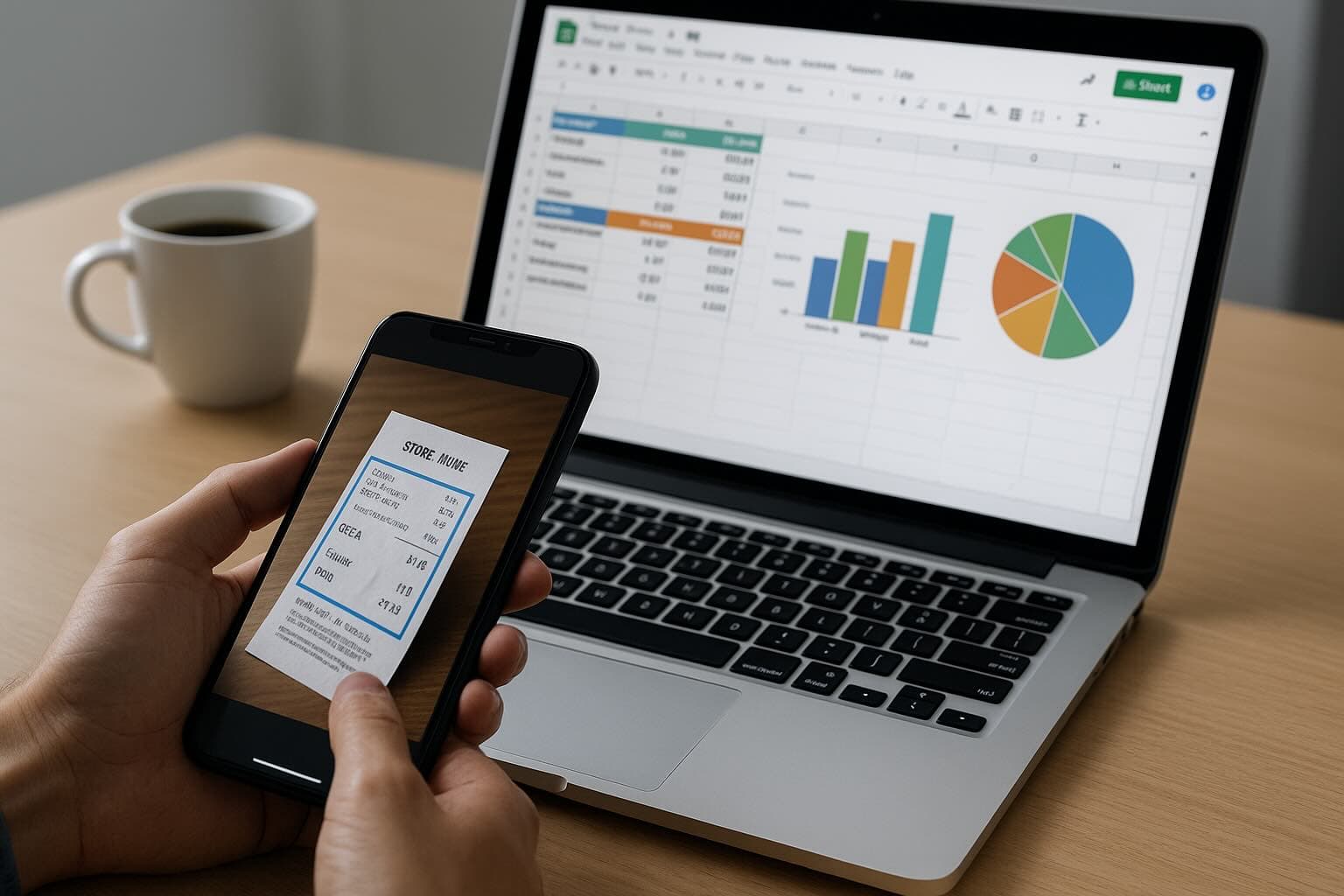
What small businesses actually need from a receipt scanner
Most small businesses do not need a giant spend-management suite. They need a reliable way to capture receipts, extract the right fields, review mistakes quickly, and move clean data into the accounting tools they already use.
That is why the best receipt scanner app for small business is not just the one with the most features. It is the one that removes the most admin from the workflow. For most teams, the real decision comes down to five things: extraction quality, accounting integrations, export flexibility, speed of review, and total cost.
How we compared the best receipt scanner apps
We looked at each tool through a practical bookkeeping lens rather than a generic app-store lens. The important questions were:
- How well does it extract merchant, date, tax, total, and line items?
- Can it export into QuickBooks, Xero, Google Sheets, CSV, or PDF workflows?
- Can a small business start on web without heavy setup?
- Does the product feel built for operators, bookkeepers, or enterprise finance teams?
- Does the pricing make sense at low and medium volume?
Best receipt scanner apps for small business in 2026
1. Receipt Reader AI
Best for: small businesses that want an AI receipt-to-accounting workflow rather than a basic scanner.
Receipt Reader AI is strongest when you care about turning messy documents into accounting-ready data. You can upload, email, or scan receipts, review extracted fields on web, and export into Xero, QuickBooks, Google Sheets, CSV, and PDF workflows.
Why it stands out
- Web-first workflow with mobile capture as a support layer
- Email forwarding for invoice and receipt intake
- Strong export flexibility across accounting and reporting tools
- Built around reviewable extracted data, not just document storage
Tradeoffs
- Less enterprise policy overhead than full spend-management suites
- Best fit is owner-operators, bookkeepers, and lean finance teams rather than large AP departments
2. Shoeboxed
Best for: businesses that want a long-established receipt brand and are comfortable paying more for a heavier service model.
Shoeboxed is well known and performs strongly on broad receipt-scanner terms. Its positioning is especially strong around mail-in receipts, bookkeeping assistance, and tax-document organisation.
Where it fits
- Teams with high receipt volume
- Businesses that want a service-oriented offer
- Users who care about archiving and paperwork handling
Where it is weaker
- Less compelling if you mainly want fast, modern AI extraction and flexible workflow exports
- Can be expensive relative to lighter software-first tools
3. Expensify
Best for: companies that need approvals, policies, reimbursements, and broader spend management.
Expensify is not just a receipt scanner. It is closer to a spend-management platform. That makes it useful for some teams and overbuilt for others.
Use Expensify if
- You need approvals and employee expense controls
- You care more about spend workflow governance than receipt-processing simplicity
Skip it if
- You mainly want fast receipt capture, extraction, and export without extra platform complexity
4. QuickBooks mobile receipt capture
Best for: businesses already deep inside QuickBooks that want a native starting point.
The built-in QuickBooks scanner is convenient because it lives inside the product you already use. But convenience is not always the same as the best workflow.
Pros
- Native to QuickBooks
- Simple for existing subscribers
- Works as a baseline option
Cons
- Less flexible outside QuickBooks
- Weaker if you need cross-system exports, better review UX, or email intake
5. Dext
Best for: firms and teams that need document processing with a stronger accounting-practice orientation.
Dext is a serious competitor on accounting workflow terms, especially around Xero and bookkeeping operations. It is more workflow-aware than consumer-style scanner apps, but it can feel heavier and more expensive for smaller operators.
Small-business comparison table
| Tool | Best fit | Strength | Main tradeoff |
|---|---|---|---|
| Receipt Reader AI | Small business, freelancers, bookkeepers | AI receipt-to-accounting workflow | Less enterprise policy complexity |
| Shoeboxed | High-volume receipt handling | Strong brand and service model | Higher cost and heavier approach |
| Expensify | Team spend management | Approvals and controls | Overbuilt for simple receipt workflows |
| QuickBooks capture | Existing QuickBooks users | Native convenience | Limited flexibility outside QuickBooks |
| Dext | Accounting practices and finance teams | Accounting workflow depth | More setup and cost pressure |
How to choose the right app
If you run a small business, the right choice usually depends on what part of the workflow hurts most.
- Choose Receipt Reader AI if you want flexible exports, email intake, and a web-first review workflow.
- Choose Shoeboxed if you want a more traditional receipt-management service model.
- Choose Expensify if receipts are only one part of a broader employee spend workflow.
- Choose QuickBooks capture if you want the simplest native option and do not need much flexibility.
- Choose Dext if you need a more accounting-practice-oriented processing layer.
Our verdict
For most small businesses, the best receipt scanner app is the one that reduces admin while fitting the accounting stack already in place. That is why the strongest options are no longer just camera scanners. They are workflow tools.
If you want a modern tool that can capture, extract, review, and export receipts without forcing a heavyweight enterprise system, Receipt Reader AI is a strong place to start on web.