
Receipt scanning that fits MYOB bookkeeping
If you're using MYOB, you don't need more admin — you need cleaner data. Receipt Reader AI helps you extract receipt and invoice details fast, then export to your MYOB workflow.
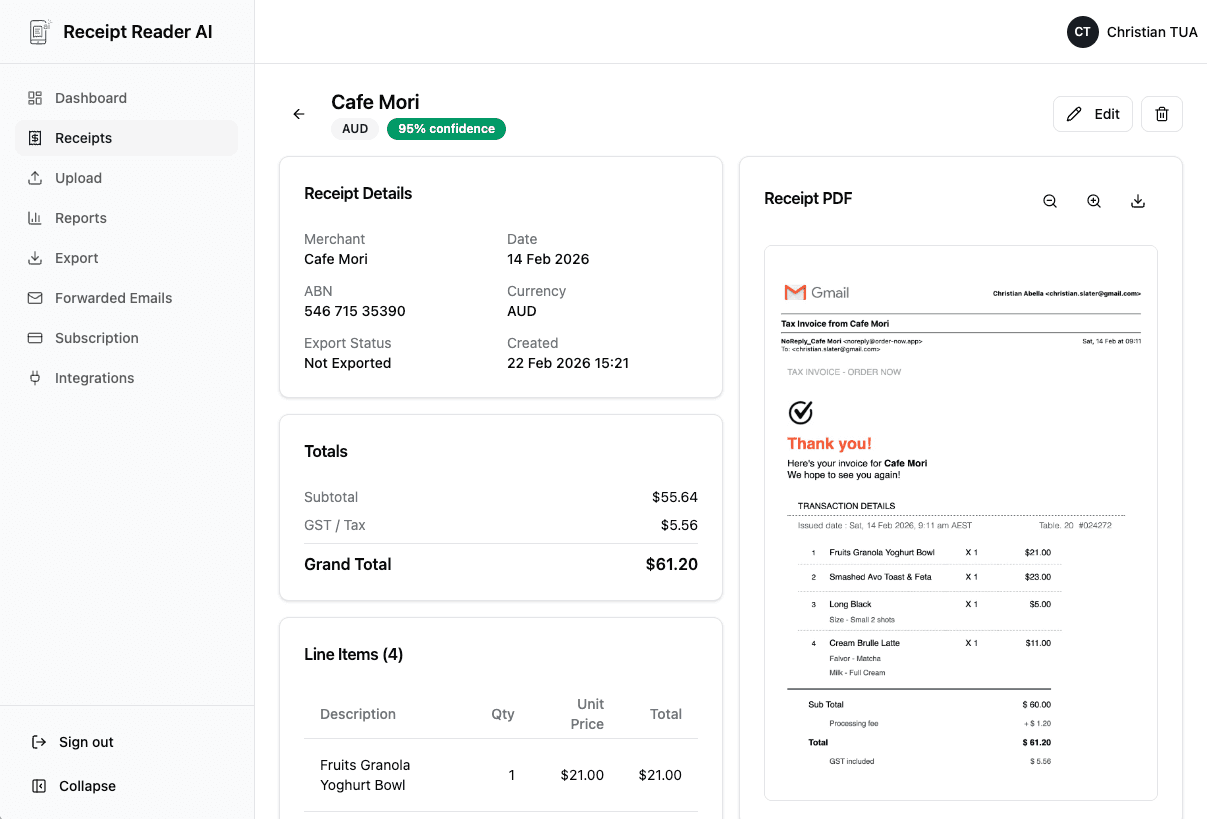
How It Works
From receipt to MYOB-ready data in four steps.
Capture or Forward
Capture or forward receipts and invoices from any source.
AI Extracts Fields
We extract vendor, date, totals, tax, and more automatically.
Review & Approve
Review and approve the extracted data with confidence cues.
Export for MYOB
Export in MYOB-friendly formats for fast processing.
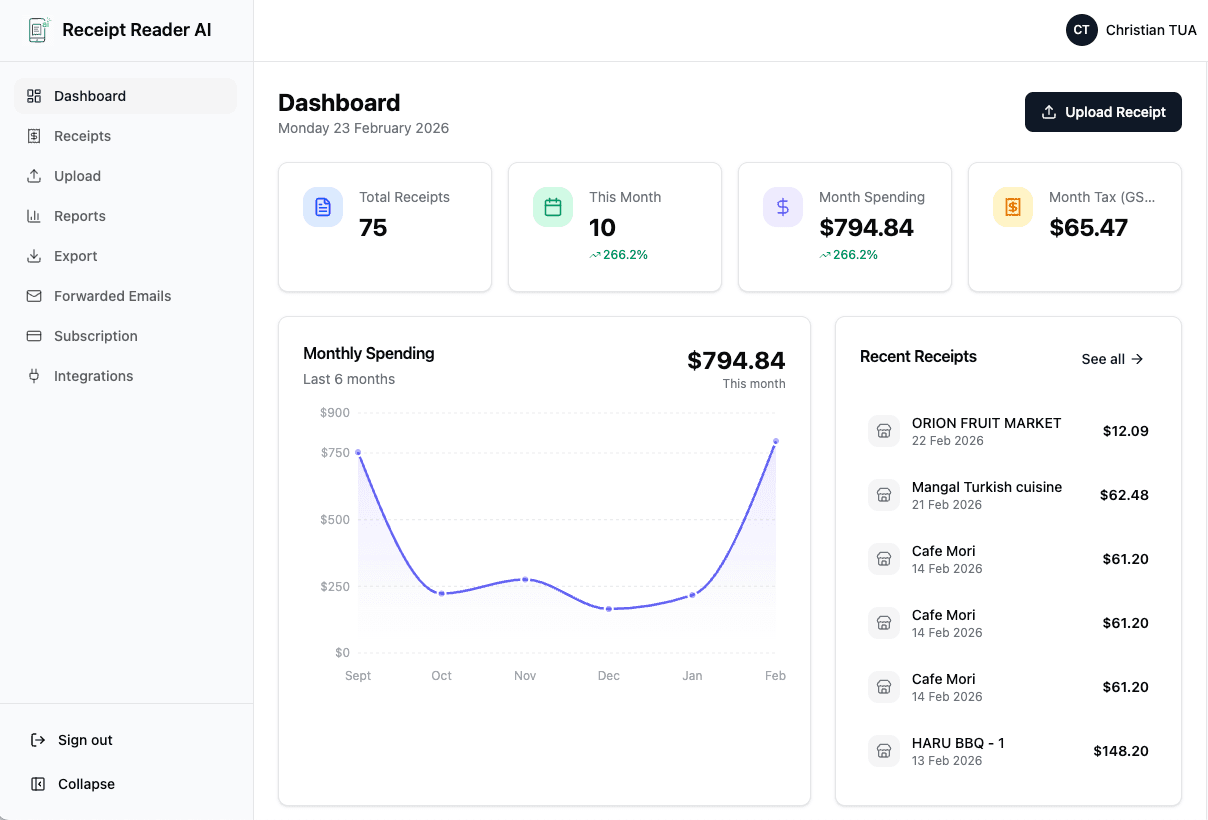
What MYOB Users Love
Features that make MYOB bookkeeping easier.
Frequently Asked Questions
Common questions about using Receipt Reader AI with MYOB.
Can I use an accounts@ inbox for MYOB processing?
Yes! Set up email forwarding from your shared accounts inbox to process all incoming receipts and invoices automatically.
What export formats do you provide?
Export to CSV, Google Sheets, and MYOB-compatible formats for easy import and reconciliation.
Can I correct fields before exporting?
Absolutely. Review and edit any extracted field before exporting to ensure accuracy.
Does it handle GST / tax?
Yes, GST and tax fields are extracted where available — perfect for Australian MYOB users.
Can I separate clients or projects?
Yes, categorize receipts by client or project before exporting to keep your MYOB data organized.
What's the fastest way to process a month of receipts?
Set up email forwarding rules to automatically send receipts to Receipt Reader AI, then batch review and export at month-end.
Turn receipt chaos into MYOB-ready data
Scan your first receipt and export to MYOB in minutes.
Get StartedNo credit card required. 14-day free trial.